Android provide backup and restore services, with all information could be stored in the cloud securely. And the guide is based on NFUI7.0.
How to enable Android backup service
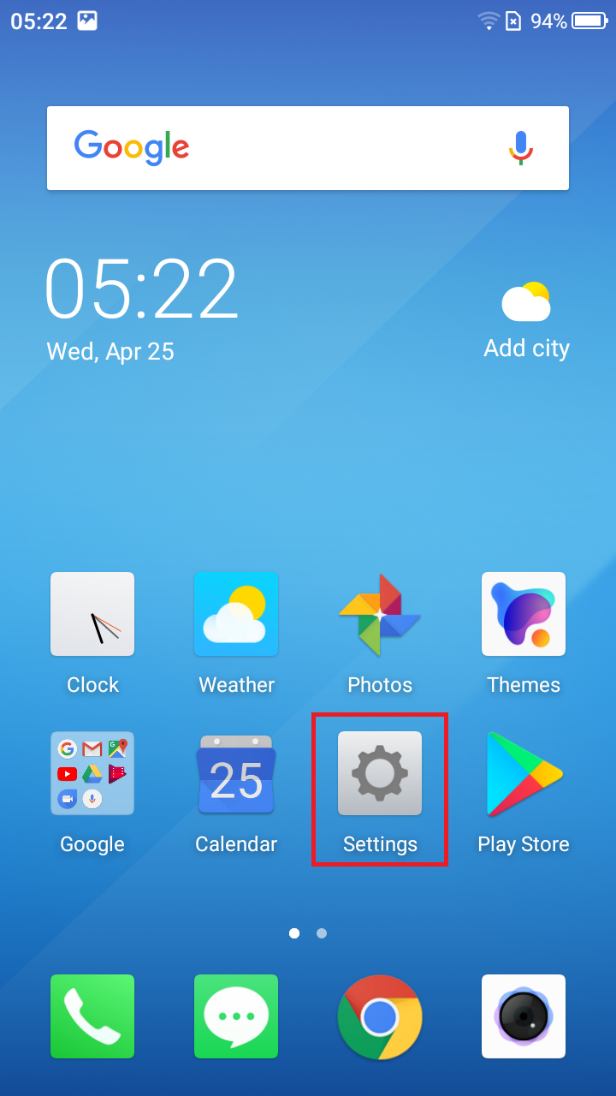
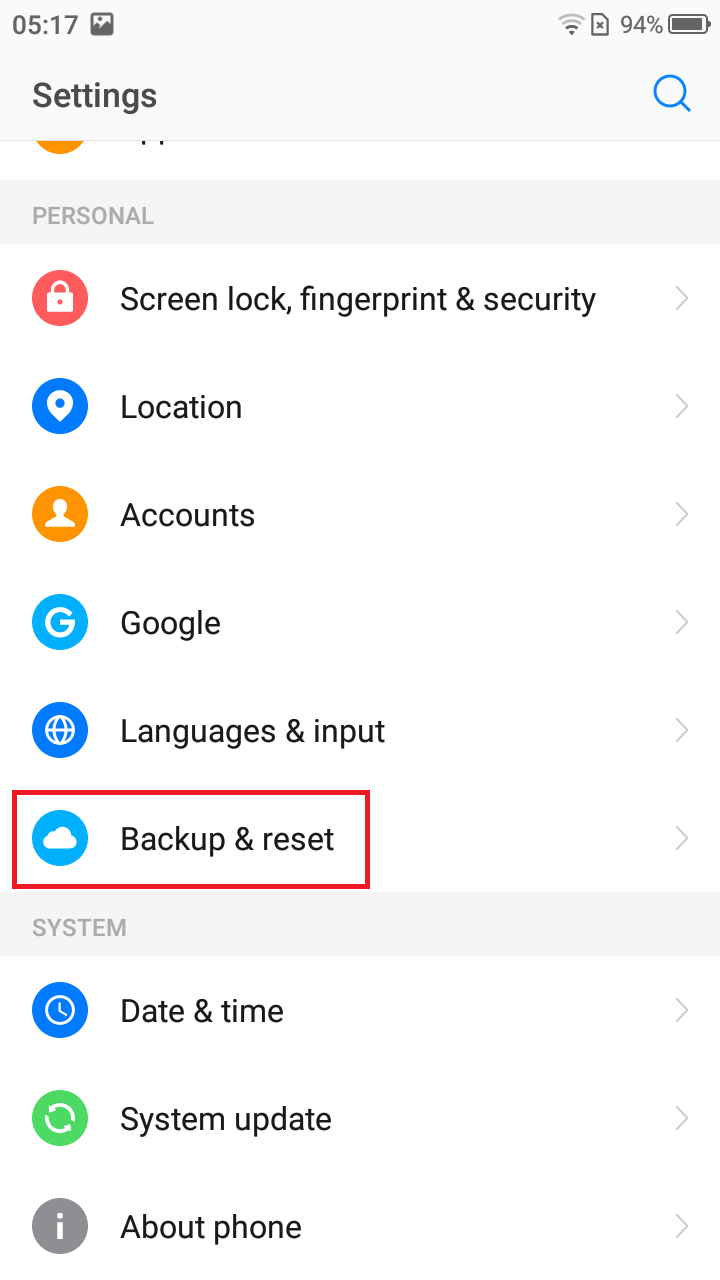
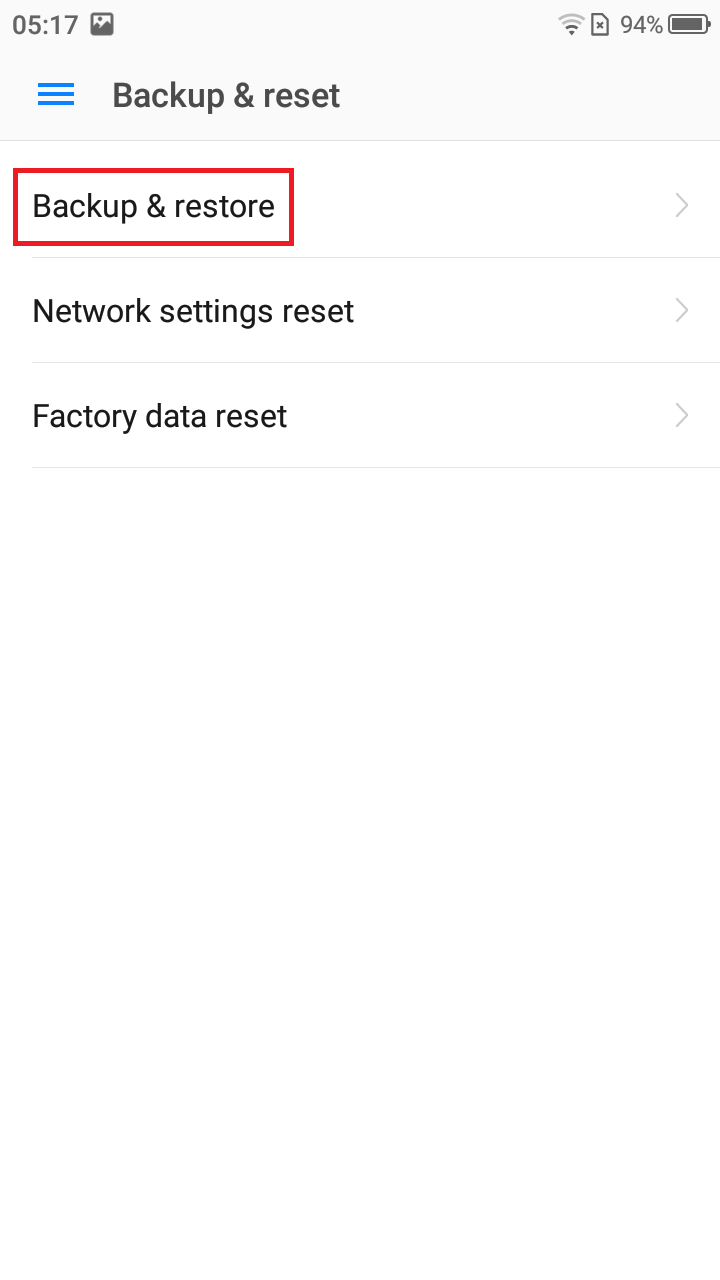
- Open settings from home screen or app drawer, and select Backup & reset – Backup & restore.
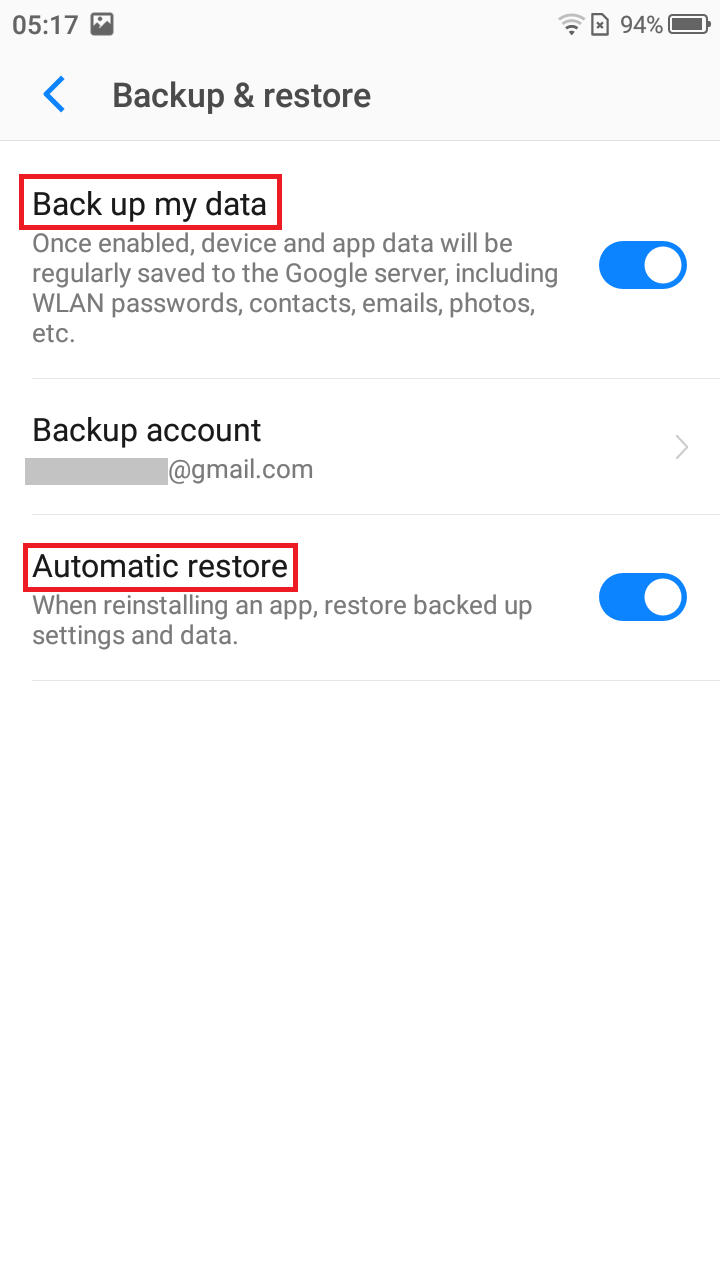
- Toggle Back up my data to on, and so does Automatic restore to restore backed up settings and data when installing an app.
How to restore apps and services on a new Android phone
- Select Accounts in settings page and add your Google account, you could also enable the function that back up to Google Drive in the initial setup.
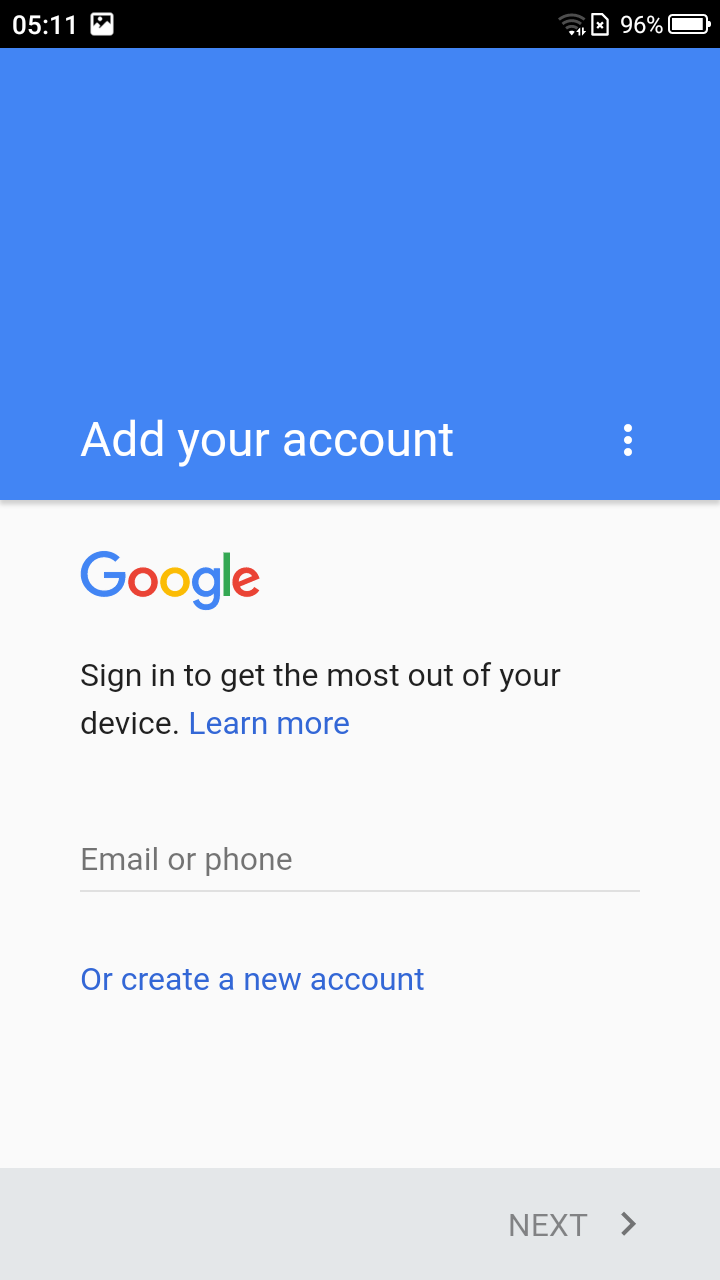
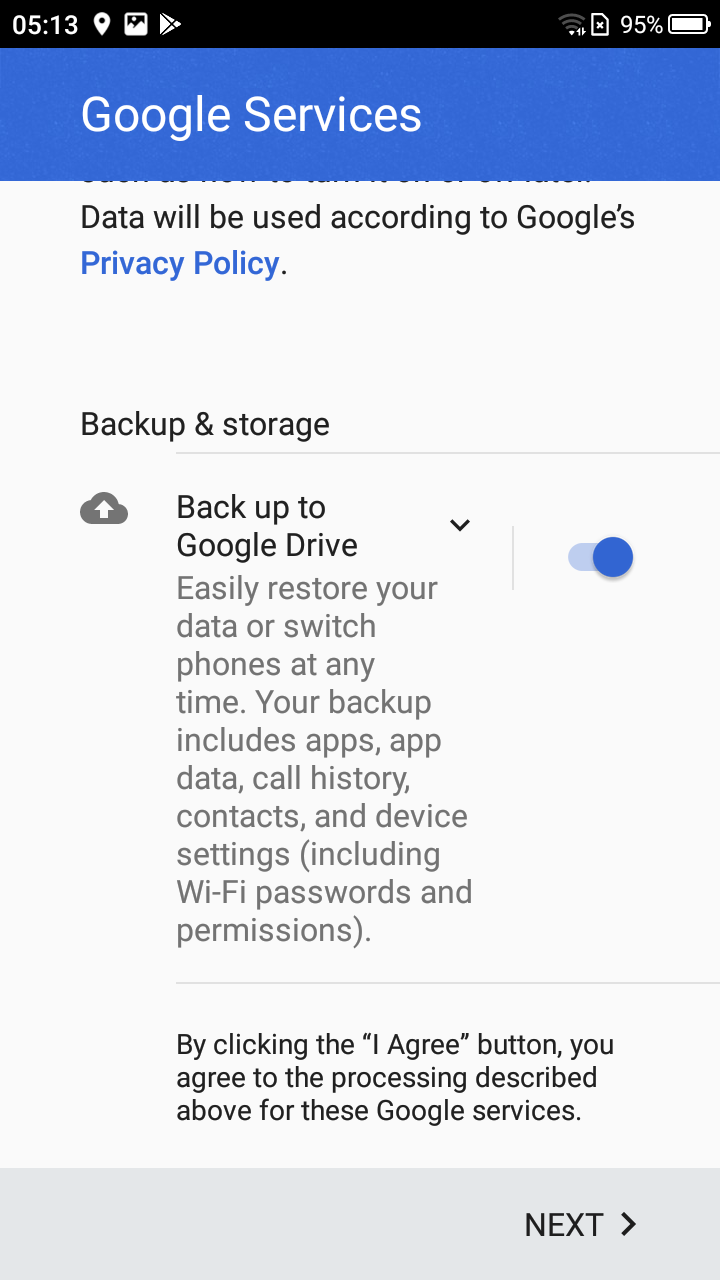
- After completing initial setup, tap Google account and you could choose the detailed option that could be synced.

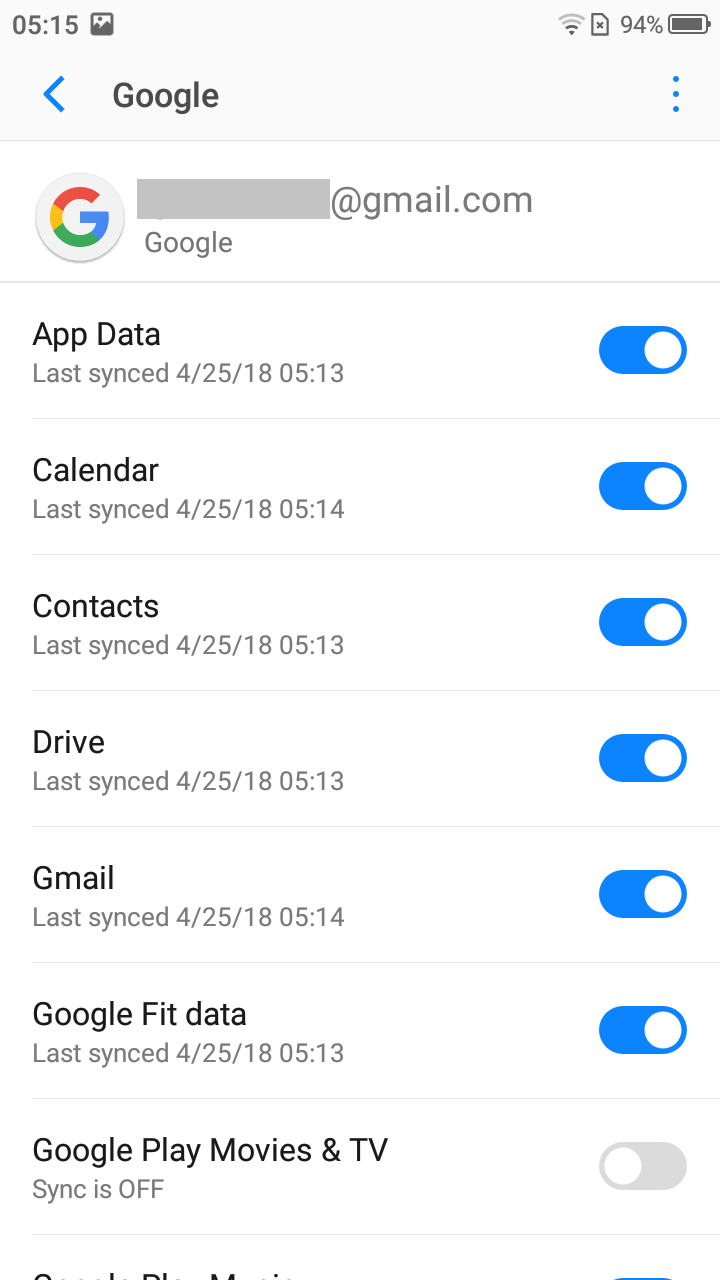
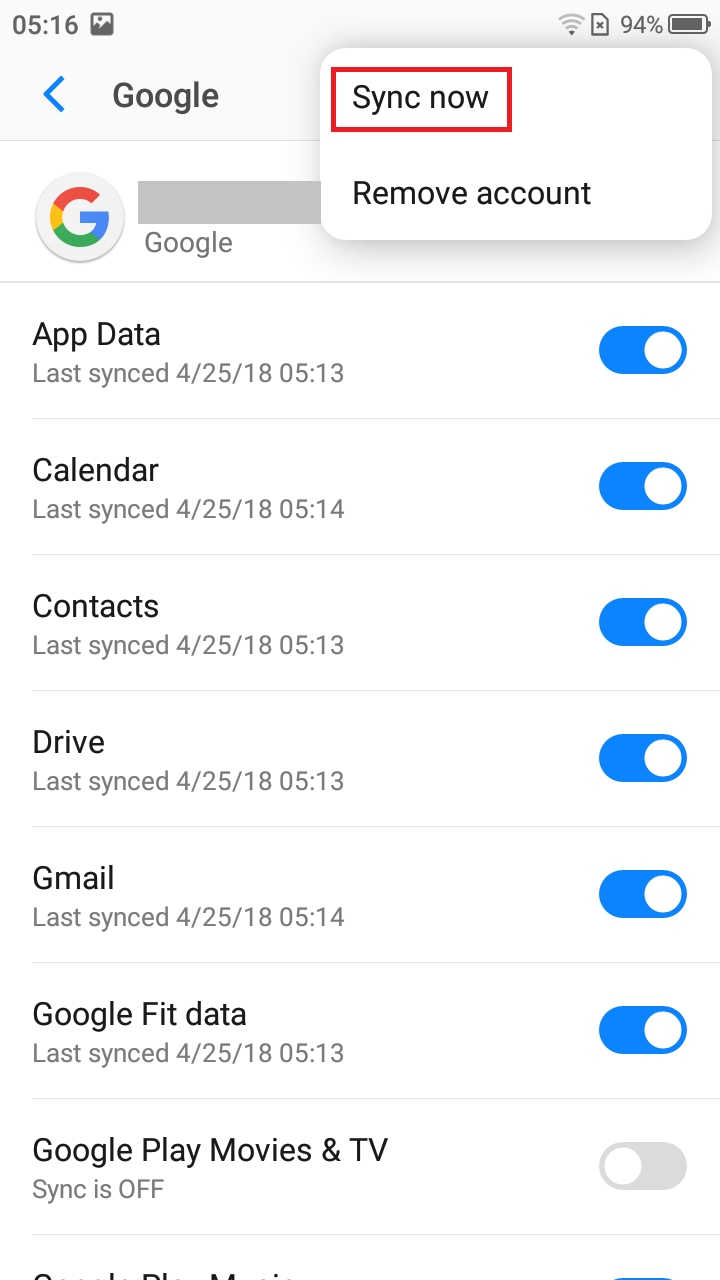
- Click the three-point menu icon on the top right corner, you could enable Auto-sync data in Accounts page and sync data manually in Google page.

Notes: You could also backup or restore your data in Google photos and Google Drive app.


